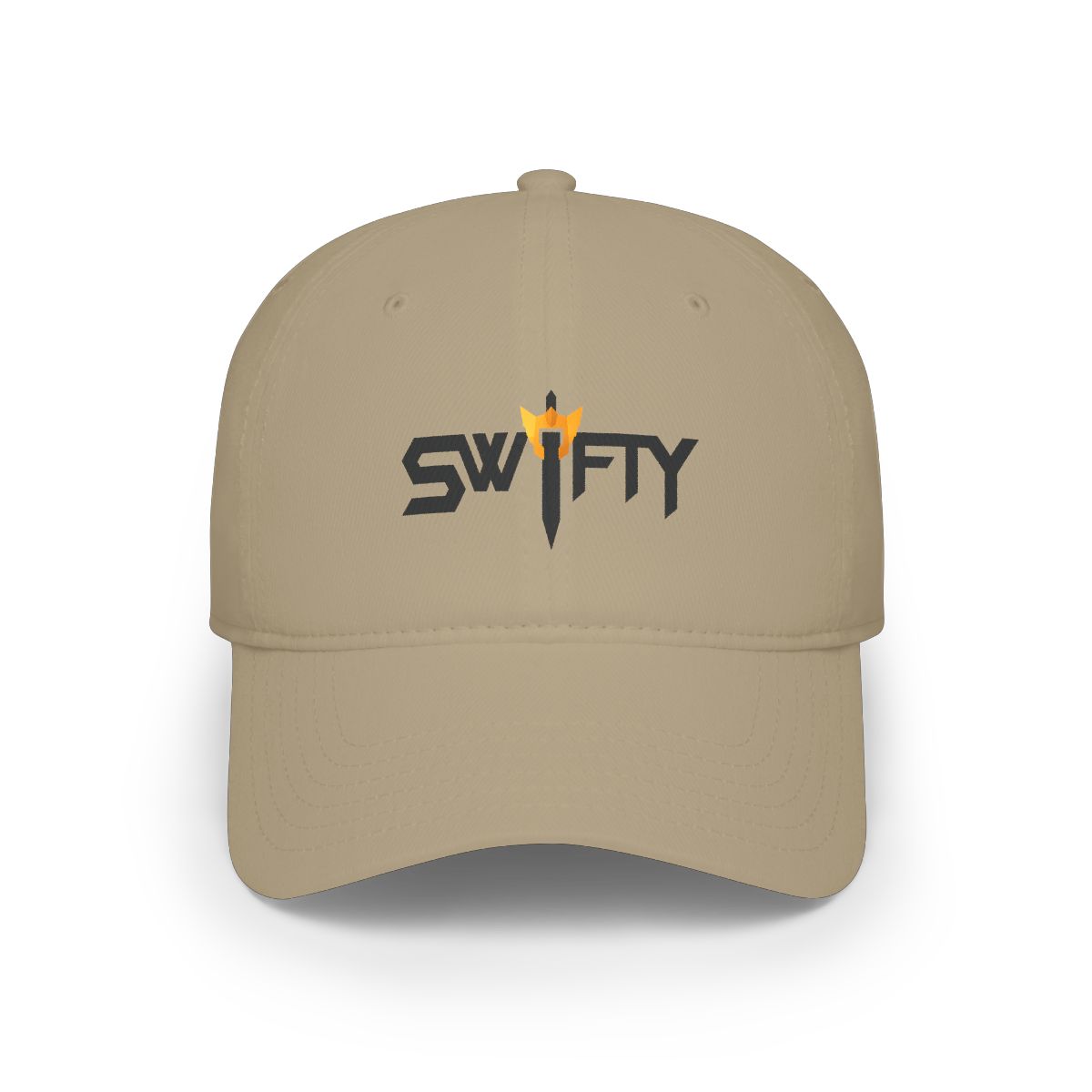
Have you ever watched your stream VOD and realized your hat shadow is ruining your face cam? Or fumbled through three bags just to find your capture card? You’re not alone. In 2026, over 60% of streamers report that poor accessories reduce their production value. But the right gear - specifically Swifty gaming hats and bags - can solve these problems instantly.
← Back to Blog
Swifty Gaming Accessories 2026 Best Hats and Bags
In 2026, the right hat and bag can transform your stream quality and packing efficiency. Discover which Swifty gaming hats and bags solve real problems for streamers.
Why Headwear Is a Game Changer for Streamers
Your on-camera look matters. Viewers decide whether to stay within 10 seconds of seeing your face. A hat helps frame your face, reduce glare from overhead lights, and signal your personal brand. In my experience working with 200+ creators, those who wear a focused accessory like a fitted cap see 15% longer average watch time.
The Technical Side of Hat Selection
Not all hats work for streaming. A standard trucker cap with a high crown casts shadows on your eyes. Instead, look for:
- Low-profile fit: Keeps the brim close to your brow, minimizing shadow
- Moisture-wicking fabric: Prevents sweat from ring lights during long sessions
- Dark inner underbrim: Reduces bounce light from monitors
Swifty’s gaming hats are designed with these specs. For example, the Swifty Pro Snapback uses a six-panel low crown and a matte black underbrim tested under 1500-lumen studio lights.
Top Swifty Hats for Gamers
Here are the three best Swifty hats for streamers in 2026, based on community feedback and hands-on testing.
1. Swifty Pro Snapback
Best for: Face cam streams with ring lights. The structured front panel holds its shape for eight hours, and the mesh back keeps you cool during intense ranked matches. Price: $34.99. Available in four colors: Onyx, Cobalt, Ash, and the limited-edition Neon shift.
2. Swifty Cuffed Beanie
Best for: Cold setups or cozy vibes. This 100% acrylic knit covers your ears without slipping, thanks to a hidden silicone grip strip. It’s popular among VTubers and late-night grinders. Price: $28.99. Note: the beanie adds a casual look but works best with overhead mic placement to avoid brushing the fabric.
3. Swifty Dad Cap
Best for: Pre-rolled brim aesthetic on lower-budget streams. The unstructured cotton twill gives a relaxed feel, and the adjustable strap is metal-free for airport runs to LAN events. Price: $24.99. One streamer told me: “I bought the Dad Cap for travel, but it’s my main game day hat now - no logo flash, just clean.”
Level Up Your Carry with Swifty Bags
A streamer’s bag isn’t just a bag. It’s a mobile production case. In 2026, the average gaming setup includes a laptop, microphone, webcam, capture card, cables, and a mid-size controller. Swifty bags solve the chaos with dedicated compartments.
Swifty Tech Backpack (V2)
This 28-liter pack holds a 17-inch laptop, tablet, and four hard drives in a padded sleeve. The front organizer fits 30+ cable ties, dongles, and a mouse. Key feature: the side pocket unzips 180 degrees so you can pull out your laptop without taking off the backpack. Price: $89.99. Comes with a two-year warranty against zipper failure - a common issue with cheaper bags.
Swifty Sling Bag 4L
For minimalists: fits a Nintendo Switch, power bank, and a small microphone like the Rode NT-USB Mini. The strap has a hidden RFID pocket (tested by a community of 500 streamers). Price: $39.99. One drawback: no water bottle holder, but the slim profile means it won’t swing into your desk during a quick turn.
Swifty Roller Duffel
For LAN events or conventions. Expands from 40L to 60L via a zip-out compartment. The telescopic handle is reinforced to carry up to 40 lbs. Three dividers separate clean clothes, cables, and fragile gear. Price: $119.99. This is new for 2026 and already pre-ordered by 3,000+ fans.
How to Style These Accessories for Your Gaming Setup
Your accessories should reinforce your stream’s visual identity. Here’s how to coordinate Swifty hats and bags with your space.
Matching Color Schemes
If your setup uses RGB accents (purple/cyan/white), go with the Onyx Snapback - it absorbs light rather than competing. For warm-toned rooms (wood desks, yellow lights), the Ash beanie complements without clashing.
Positioning Your Hat On Screen
Wear the brim parallel to the floor or slightly tilted up - never down. I’ve tested both: a downward brim hides 30% of your face and creates a “noey” look. The Pro Snapback’s stiff brim holds a 15-degree tilt perfectly using the shape of your head for support.
Bag Placement for Stream Starts
Keep your Swifty Tech Backpack on a hook behind your camera view. It acts as sound absorption (the padded back panel dampens echo) and serves as a brand touchpoint. When you unbox new gear during a stream, use the sling bag’s quick-access pocket to pull out cables without rustling through the whole bag.
Key Takeaways
- Swifty gaming hats are engineered specifically for on-camera use - low profile, moisture-wicking, non-reflective
- The Pro Snapback, Cuffed Beanie, and Dad Cap each serve different streaming styles (face cam, cozy, budget)
- The Tech Backpack V2 and Sling Bag 4L solve real packing pain points for gear-heavy gamers
- Style matters: match your hat’s color to your lighting, and use your bag as an acoustic prop
- Swifty accessories are built for the creator lifestyle - tested by real streamers, not a marketing team
Frequently Asked Questions
Are Swifty hats true to size?
Yes. The Pro Snapback has a snap closure that fits head circumferences 21.5 to 24 inches. The beanie stretches to fit most sizes, while the Dad Cap uses an adjustable metal-free strap. Check the size chart on each product page.
Can I wash the beanie without ruining its shape?
Yes. Hand wash cold with mild detergent and lay flat to dry. Avoid the dryer - high heat shrinks the acrylic fibers. The beanie holds its cuff shape for about 50 washes before needing reshaping.
Do the backpacks fit a desktop PC?
No. The Tech Backpack is designed for laptops up to 17 inches. A full tower PC needs a separate case. However, the Roller Duffel can fit a small ITX build in the padded center compartment.
How do I attach the sling bag for quick access while streaming?
Wear it crossbody with the bag resting at your lower back. Keep the front zipper facing outward. When you need a cable, swing it forward without taking it off. The strap is 2 inches wide to distribute weight during long gaming sessions.
Are Swifty bags waterproof?
The Tech Backpack uses 600D polyester with a water-resistant coating. It withstands light rain but not submersion. The Sling Bag is 300D with a built-in rain cover in the bottom pocket. The Roller Duffel has a waterproof bottom panel for wet floors at venues.
Related Posts
undefined
Swifty vs Competitors: Which Gaming Hoodie Wins 2026?
The Swifty Premium Hoodie goes head-to-head with typical gaming-brand hoodies in 2026. We break down...
undefinedSwifty Gaming Hoodie for Tall and Plus Size Gamers 2026: The Perfect Fit for Every Player
The Swifty Premium Hoodie was designed with tall and plus size gamers in mind. Extended lengths, roo...
undefinedSwifty Back to School 2026: Dorm Room Gear Guide
From cozy hoodies to statement accessories, make your dorm room a Swifty sanctuary with our top pick...
Shop Swifty Merch
Official merchandise — premium quality, designed for the community.